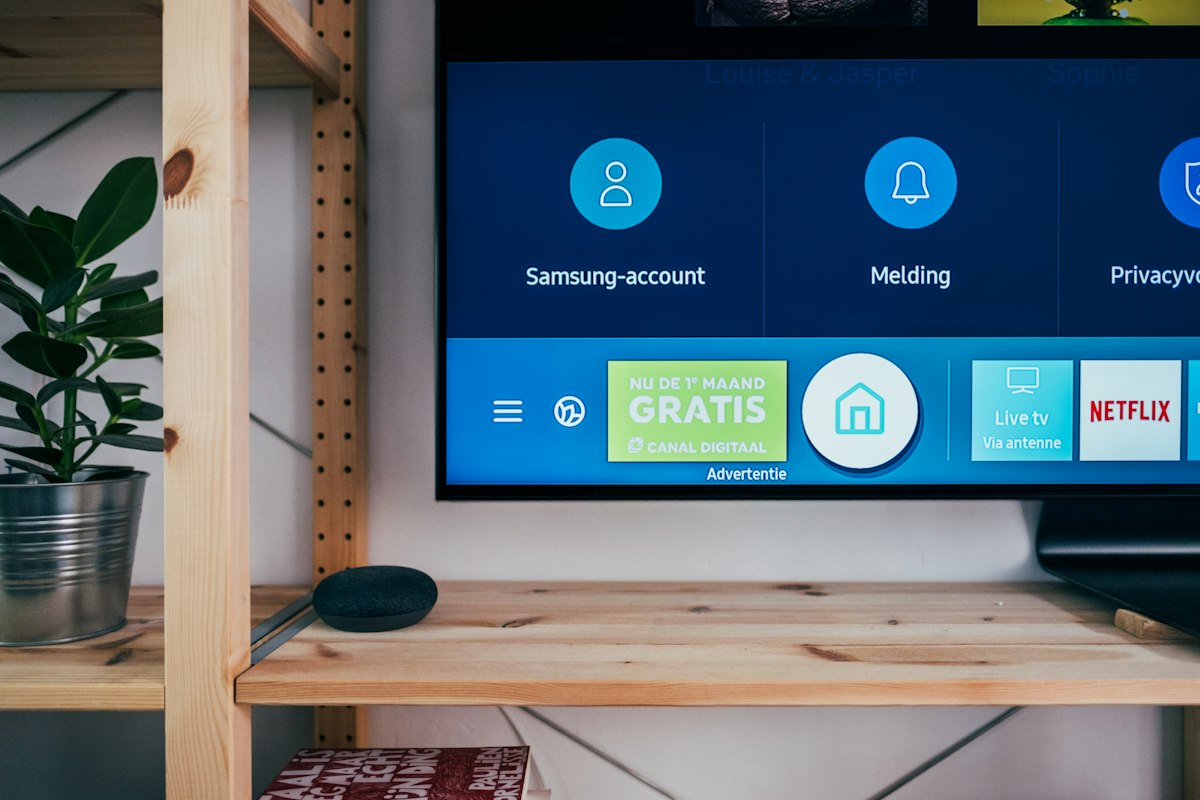
Not everyone wants to buy a separate external streaming stick. If you own a modern Samsung (Tizen OS) or LG (WebOS) television, you can install an IPTV player directly from your TV's built-in App Store.
The Standard: Smart IPTV (SIPTV) App
By far the most popular application for these specific TVs is the "Smart IPTV" app (the one with the TV logo). Here is how you get it running:
- Open your TV's App Store and search for Smart IPTV. Install and open it.
- On the screen, you will see a MAC Address (e.g., A1:B2:C3:D4). Write this down in your phone.
- Go to your computer or smartphone, and open a web browser. Go to
siptv.eu/mylist/ - In the section labeled "Upload local IPTV playlist", input the MAC address from step 2.
- Next to it, paste the long M3U URL Link that Stream4K emailed to you upon purchasing your subscription.
- Click "Send" or "Upload".
Once you get the success message on your phone, simply restart the app on your television. The entire 32,000+ channel list will now load natively into your TV.
Other Direct TV Alternatives
If SIPTV is deleted from your region's app store, look for DuplexPlay, IBO Player, or Flix IPTV. They all effectively work via the same web-upload portal method utilizing the MAC address.
Get Your M3U Playlist Instantly
Stream4K supports all Smart TV applications by providing instant universal M3U links upon checkout.
View Subscriptions Here